How to Export LinkedIn Sales Navigator Leads Into Your CRM (No Developer or API Needed)
By Ahmad Software
•
August 10, 2021
Here’s the Sales Navigator problem nobody admits to their manager.
You’re running hyper-targeted searches. You’re filtering by title, industry, company size, seniority. You’re saving leads and setting up alerts. Your pipeline looks disciplined.
Then you try to actually reach those people — and half of them vanish. No email. A LinkedIn request they’ll never accept. A phone number that rings a general office line. The intelligence is real. The contact data is the gap.
Sales Navigator is genuinely one of the best prospecting tools available for B2B. But it was designed to help you identify prospects, not to get their contact data out of LinkedIn and into your CRM or sequencing tool in a usable format. That last 20 feet — from identified prospect to contacted prospect — is where most reps lose time, lose leads, and lose pipeline.
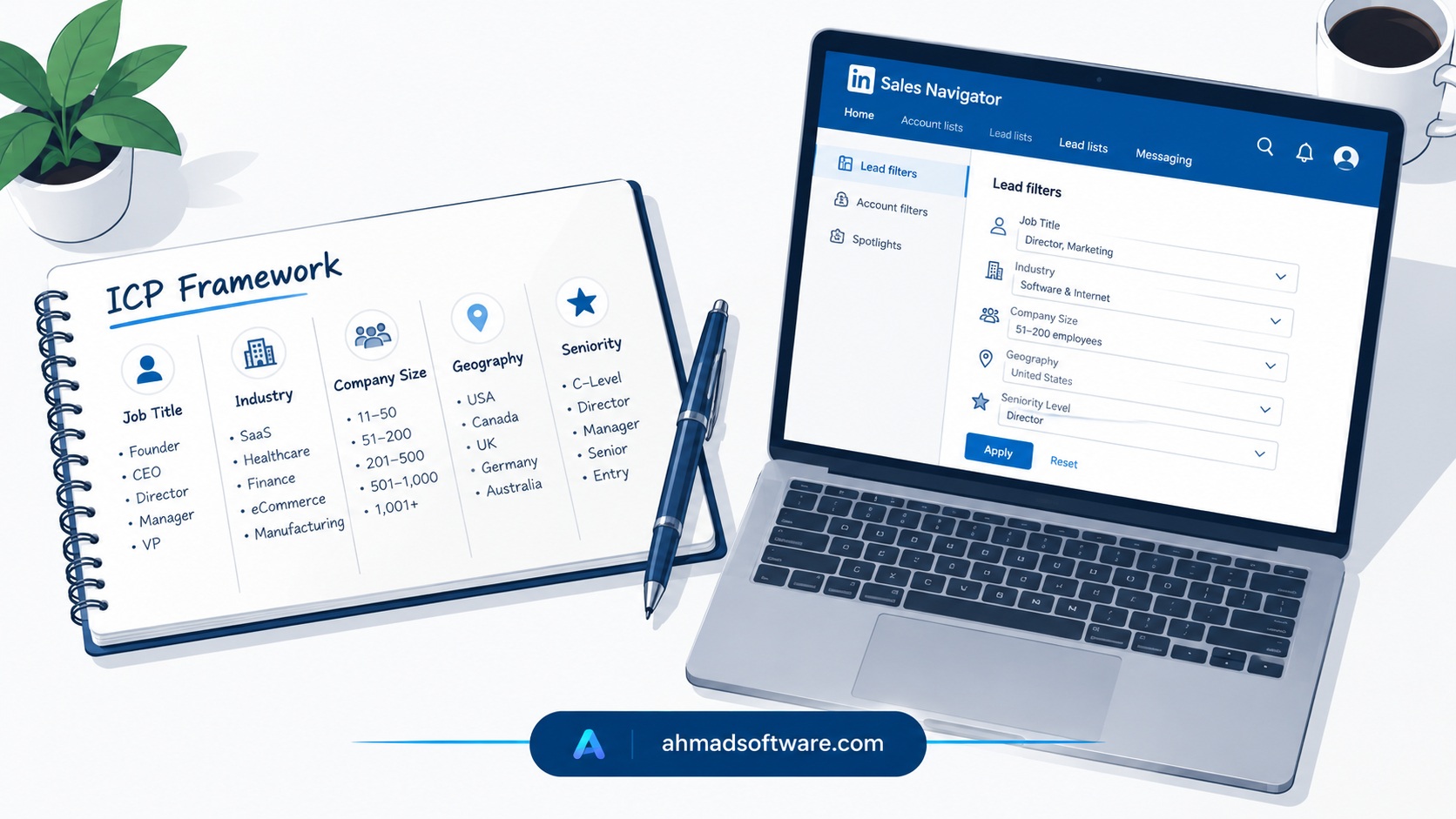
This article covers both sides: how to use Sales Navigator properly (most teams use it at 40% of its capability), and how to fix the data extraction gap that kills the ROI of everything else.