


What Are The Best Ways And Tools To Find Emails From LinkedIn
By Ahmad Software
•
June 23, 2022
It’s almost 2022 and there are going to be more than 850 million people on LinkedIn. The opportunities that the LinkedIn platform has created can never be counted in numbers. Due to accuracy and real information on LinkedIn , sometimes one may need to find email addresses from LinkedIn for business purposes. In that case, you must use the best ways and LinkedIn email finder tools to help yourself and find all the emails from LinkedIn easily. I know, you are looking for people on LinkedIn to buy or sell products. You might want to contact influencers on LinkedIn for sponsorship. No matter what your reason is, these LinkedIn email finders will prove very helpful to you. You don’t need to worry about anything. You can find and extract email addresses from LinkedIn by using these tips and tools. Whether the email you are looking for is from a public or a private LinkedIn profile, trust me when I say, you can find anyone’s email address on LinkedIn. Some people like to keep it private, but these best LinkedIn email scraping tools will surely do their work efficiently. Let’s not keep you waiting. Move to the next section of the article to know all about the email finding processes on LinkedIn.
2 Best Ways For Easy Email Extraction From LinkedIn
All the ways and tools that we have mentioned in this article are super easy to follow. Most methods only need you to have the official LinkedIn application. You can also use some best email finder tools to get emails from LinkedIn. Whatever method you like to use, this article will surely help you through it.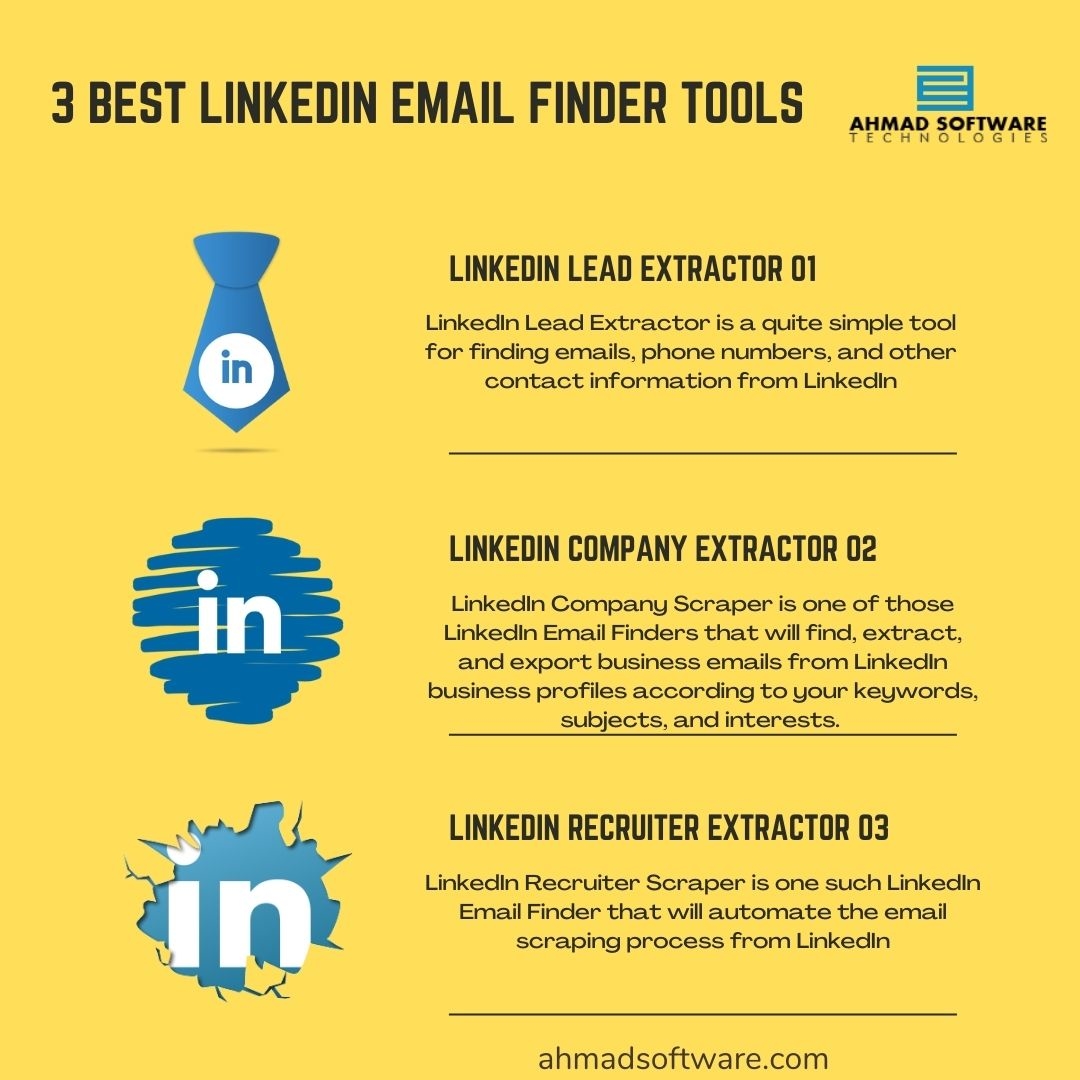
1. Check LinkedIn Profiles
The first way in the list of is to go through your target’s complete LinkedIn profile. Dig up all their details and posts. If you are looking for an email for business or marketing purposes, there are chances they have already mentioned their mail somewhere in their LinkedIn profile or post . Also, you can follow the below written steps to find someone’s email address on LinkedIn.- 1. Go to their LinkedIn profile.
- 2. Among many options in the profile, look for “Contact Info”.
- 3. Now, you’ll see their email address and other contact details.
