


Email Extractor Software vs. Email Database: Which Is Better for B2B Sales in 2026?
By Ahmad Software
•
October 8, 2026
This article is published by Ahmad Software Technologies, which makes email extractor software. The comparison below is written to be fair to both approaches, including the cases where an email database is the better choice.
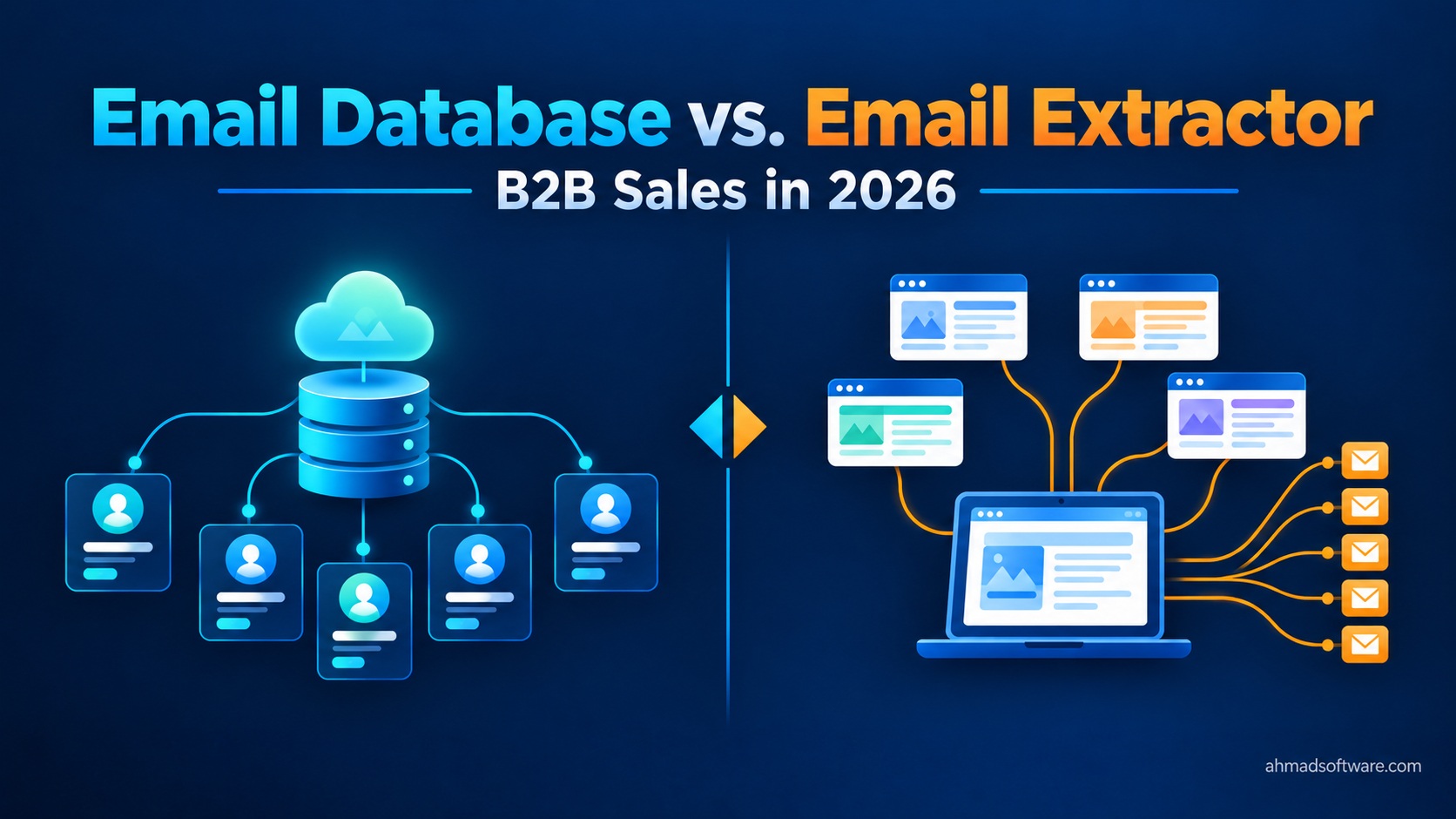
Which is better: an email extractor or an email database?
Neither is better in every case. An email database is usually the better choice when you need named decision-makers, built-in verification, and outreach tools in one place. Email extractor software is usually the better choice when you need niche, regional, or high-volume coverage at a flat cost and you are willing to verify and clean the list yourself. Many teams use both.
What is an email database (or email finder)?
An email database is a pre-built collection of business contact data that you query through a search interface, credits, or an API. Tools such as Hunter, Apollo, and Snov.io fall into this broad category, though each combines features differently. Typical features include named contacts with job titles, email verification, browser extensions, and CRM or outreach integration. You pay for access to the vendor's data, often through credits or seats, and the vendor is responsible for collecting and refreshing it.
What is email extractor software?
Email extractor software is a crawler. You point it at websites, search results, directories, URL lists, or documents, and it collects the email addresses that are publicly listed there. It does not hold a database of its own. The data is only as good as the sources you give it.
Some tools blur the line. Certain databases crawl the web to build their data, and some extractors add filtering or verification features. Treat the two categories as the ends of a spectrum.
One example of an extractor is Cute Web Email Extractor, a Windows desktop application. It collects publicly listed addresses from websites, search-engine results, bulk URL lists, online PDFs, and local files, and it does not guess or generate addresses. It does not check whether a mailbox exists, it cannot read emails embedded in images, and it mostly returns addresses that businesses publish, which are often generic role addresses.
How does each approach work?
Data source. A database vendor collects data from multiple sources, processes it, and serves it to you. An extractor collects directly from the pages you choose, at the moment you run it.
Freshness. Database freshness depends on how often the vendor refreshes or re-verifies records, which varies by vendor and by region. An extractor reflects what a page shows at crawl time, but a website itself can be out of date, so "live" does not mean "current."
Contact type. Databases are built to return named people, such as a VP of Sales at a given company. Crawlers find what companies publish, which is often info@, sales@, or contact@. Some pages list named staff addresses, and a crawl of team and press pages can surface them, but you cannot count on it.
Deliverability. Many databases include verification, such as syntax checks, domain checks, or mailbox-level checks. Most extractors do not confirm that a mailbox exists. With an extractor, verification is a separate step you run with a dedicated service.
Email Database vs. Email Extractor Software
| Factor | Email database | Email extractor software |
|---|---|---|
| Data source | Vendor-collected data | Pages and files you point it at |
| Contact type | Mostly named individuals with titles | Mostly publicly listed addresses, often generic roles |
| Freshness | Depends on vendor refresh cycle | Reflects the page at crawl time; the page may be outdated |
| Deliverability verification | Often built in | Usually a separate step |
| Niche and regional coverage | Strong in well-covered markets; gaps in niche or non-US markets are common | Any public site you can reach, including local directories and PDFs |
| Volume limits | Typically set by plan or credits | Typically set by your hardware, settings, and time |
| Cost model | Credits or recurring subscriptions | Often a flat license |
| Setup effort | Low; search and export | Higher; configure sources, filters, and cleaning |
| Platform | Usually cloud apps, extensions, APIs | Often desktop software (Cute Web Email extractor is Windows-only); some are cloud-based |
| Compliance exposure | You still need a lawful basis to email; ask how the vendor sourced its data | You still need a lawful basis to email; also consider site terms and robots.txt |
What are the real strengths and weaknesses of each?
Email database
Strengths
- Named decision-makers with titles, which makes personalized outreach easier.
- Built-in verification in many tools, which reduces bounces.
- Integrated outreach and CRM features, so list building and sending can happen in one place.
Weaknesses
- Credit limits and recurring costs that scale with volume.
- Coverage gaps in niche industries and in non-US markets.
- Records that age between refreshes, since people change jobs.
Email extractor software
Strengths
- Flat cost that does not rise with each contact you collect.
- Reach into any public site, including regional directories, association member lists, and PDFs.
- Control over exactly which sources and keywords define your list.
Weaknesses
- Mostly generic role addresses, which are weaker for personalized outreach.
- No guarantee that a collected address belongs to an active mailbox.
- A separate verification step is required before sending.
- You manage crawl settings and legal compliance yourself.
When should you choose each one?
Choose a database if you target named roles at known companies (for example, VPs at mid-market SaaS firms), you want verification built in, or your team needs list building and outreach in one tool.
Choose an extractor if your market is niche or regional, the people you want are listed on directories or association sites that databases do not cover, or you need high volume and want to avoid per-contact costs.
Combine both if you need broad coverage and named contacts for your best accounts.
Here is how that plays out in four scenarios:
- A freelancer building niche regional lists. Local dental practices, regional manufacturers, or trade-association members are often poorly covered by databases. An extractor pointed at directories fits well. Add a verification step before sending.
- An SDR team targeting named VPs at mid-market SaaS. A database fits better, because the goal is a specific person with a title, not a general inbox.
- An agency serving local service businesses. Local businesses often publish a general contact address on their site, which is what an extractor finds. For these buyers, a general inbox is often the right target.
- A researcher compiling an industry directory. An extractor handles bulk collection from public sources and documents. The researcher still has to follow data protection rules for any personal data collected.
What does a hybrid workflow look like?
- Define the target. Write down the industries, regions, and roles you want. Plan for an hour or two per campaign.
- Extract from target-account websites and directories. Software like Cute Web Email extractor can crawl those sources and export to XLSX, CSV, or TXT. Remember that it does not verify mailboxes. Crawling is usually the least labor-intensive step because it runs on its own.
- Clean the list. Remove duplicates, irrelevant role addresses, and obvious false positives. This is typically the slowest manual step.
- Verify. Run the cleaned list through a dedicated verification service before any email goes out.
- Enrich where it matters. For your highest-value accounts, use a database to find named decision-makers.
- Send within legal limits. Apply your lawful basis, include a working opt-out, and maintain a suppression list.
What does the cost look like in practice?
The figures below are hypothetical and use assumptions I label explicitly. They are not any vendor's real pricing. Check current pricing from each vendor before you decide.
Scenario: 20,000 deliverable prospect addresses over 12 months for a small team.
Database path (assumed):
An effective cost of $0.05 to $0.15 per contact depending on plan, plus about 10 hours of staff time at $25 per hour.
- Software: $1,000 to $3,000
- Time: $250
- Total: about $1,250 to $3,250
Extractor path (assumed):
- License: $59.99 per year (the product page price at time of writing; confirm on the page)
- Raw volume: assume only 40% of collected addresses survive deduplication, filtering, and verification, so about 50,000 raw addresses
- Verification service: an assumed $0.005 per address, so about $250
- Staff time: an assumed 40 hours of setup, crawling oversight, and cleaning at $25 per hour, so $1,000
- Total: about $1,310
Two honest takeaways. First, the gap is small at this volume once you count staff time. The flat license saves the most at higher volumes or when your niche is not covered by databases. Second, these 20,000 addresses are not equivalent. The database path returns mostly named contacts, while the extractor path returns a larger share of generic role addresses.
What are the compliance risks?
"Publicly available" does not mean "free to email." Both approaches require a lawful basis, opt-out handling, and suppression lists. This is general information, not legal advice. If you email into regulated markets, consult a qualified lawyer.
- GDPR (EU and EEA). Work emails that identify a person, such as jane.smith@company.com, are personal data. B2B outreach often relies on legitimate interests, which requires a documented balancing test, transparency to the recipient about how you obtained their data, and a prompt response to objections.
- UK PECR. Rules differ by recipient type. Emailing corporate subscribers (limited companies) is generally treated more permissively than emailing sole traders and some partnerships, who are treated more like individuals.
- CAN-SPAM (US). This is an opt-out regime. You need accurate sender information, a valid physical postal address, a clear unsubscribe mechanism, and you must honor opt-outs within 10 business days. It applies to B2B email too.
- CASL (Canada). This is consent-based and stricter. Implied consent can apply to conspicuously published addresses, but only under conditions, including that the message is relevant to the recipient's role and the address is not published with a no-unsolicited-email notice. Penalties for violations are significant.
- Website terms and robots.txt. Crawling a site may breach its terms of service or ignore its robots.txt rules, independent of email law. How courts treat scraping varies by jurisdiction and facts.
- Database sourcing. If you buy data from a vendor, you are still the sender. Ask the vendor how the data was collected and what rights it has to share it.
FAQ
Is email scraping legal?
It depends on what you collect, where the recipients are, how you use the data, and the terms of the sites you crawl. Collecting publicly listed business addresses is not automatically unlawful, but emailing them still requires a lawful basis and compliance with local rules.
Do extractors provide verified emails?
Generally no. Most extractors collect addresses that are published online and do not confirm that a mailbox exists or accepts mail. Run the list through a verification service before sending.
Are databases more accurate?
Not automatically. Databases often include verification and are strong for named contacts in well-covered markets, but records age and coverage varies by region and industry. Test a sample from any source before committing.
Can I use both?
Yes, and many teams do. A common pattern is to use an extractor for niche coverage and volume, then use a database to find named contacts at priority accounts.
What is a realistic bounce rate, and how do I lower it?
It varies widely by list source, list age, and verification. Instead of relying on a benchmark, check your sending platform's bounce thresholds, verify every list before sending, start with small batches, and remove addresses that bounce.
Conclusion
Choose a database when you need named decision-makers, built-in verification, and outreach in one place. Choose an extractor when you need niche, regional, or high-volume coverage at a flat cost and are prepared to clean and verify the list. Combine both when you need breadth plus precision. Whichever you use, tools like Cute Web Email extractor collect what is publicly listed but do not verify that a mailbox exists, so plan a verification step and a compliant sending process.
